Internet Explorer is no longer supported. We recommend upgrading to Chrome, Safari, or Microsoft Edge browser.
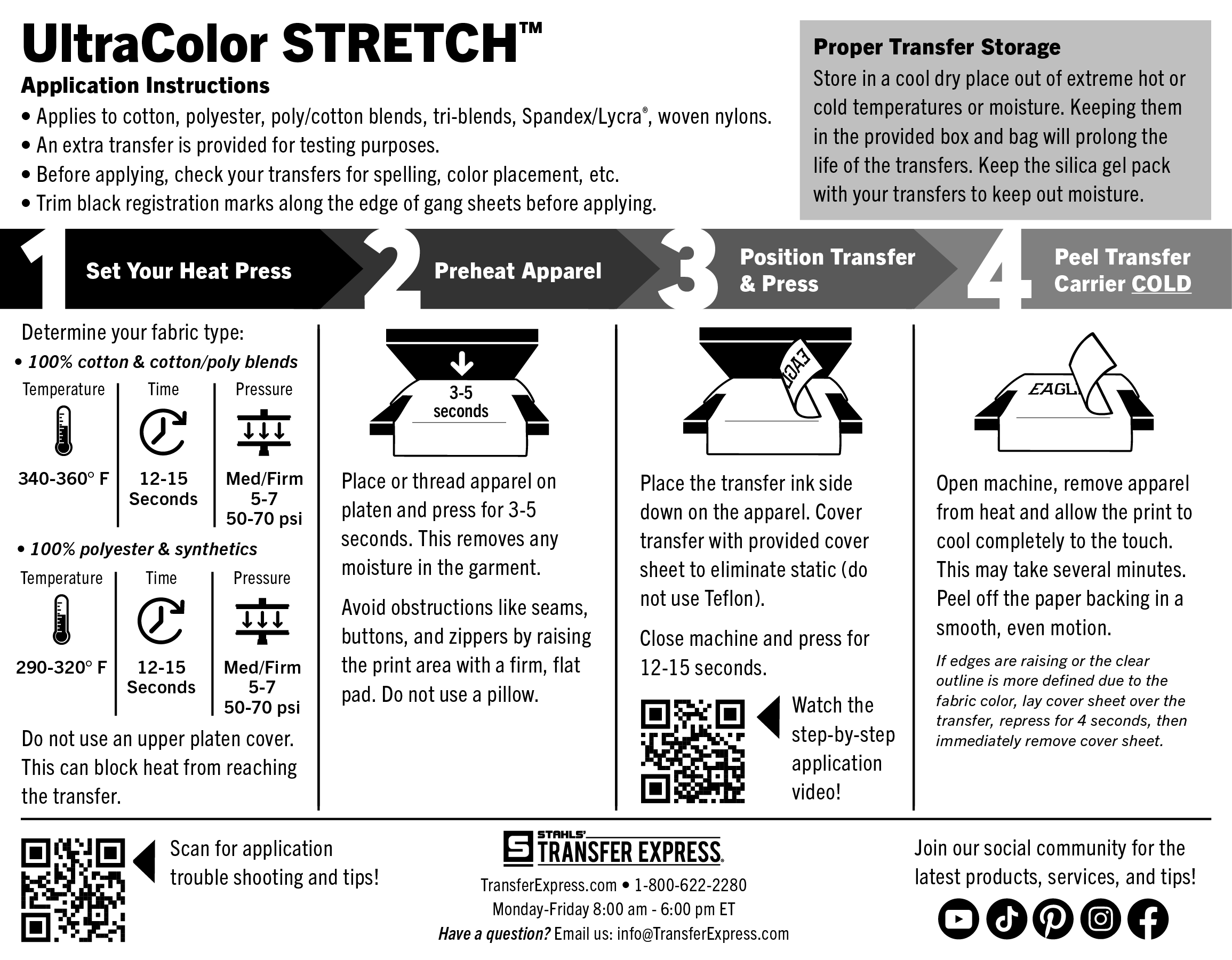
Stop turning down tricky jobs. Create full-color transfers for spandex and nylon with UltraColor Stretch™.
Industry leading stretch and rebound
Decorate elastic apparel
Full-color printing with no limitations on detail

Industry leading stretch and rebound
Decorate elastic apparel
Full-color printing with no limitations on detail
UltraColor Stretch™ Hybrid Full Color Digital Transfers
Product Features
UltraColor Stretch™ has unmatched stretch and rebound. Its water-based formula is the ultimate solution full-color prints on elastic apparel.





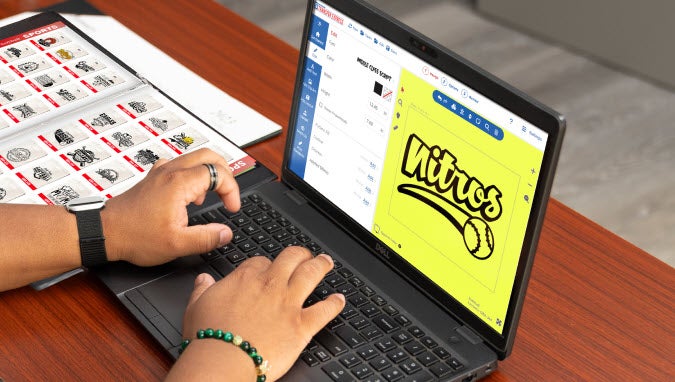
Design Hybrid Digital Transfers in Easy View® Designer
With over 250 fonts and thousands of quality clip art choices, you can customize any layout to have a unique, personal look for all of your full-color transfers.
 Quality features with no hidden fees or charges
 Create custom t-shirt designs with ease
 Receive free samples in the mail
Explore other UltraColor® Full Color Transfers